
Understanding Plushie Frenzy Mechanics
Plushie Frenzy is a timed arcade game where the goal is simple: catch as many plushies as possible within the time limit. The screen displays a grid or playfield, and plushies appear at random positions. You tap or click each plushie to "catch" it before it disappears. Each successful catch awards points; missing a plushie costs no points but does waste a fraction of your time. The round ends when time runs out, and your total score is your final result.
We offer two main modes: Free Play (no wagering, just for fun) and Paid Play (where you stake a small amount to compete for a larger payout). In Paid Play, your stake determines your potential winnings — wager more to unlock higher plushie values and multiplier rounds. All outcomes are determined by your reaction speed and accuracy; there is no hidden randomisation or dealer influence.
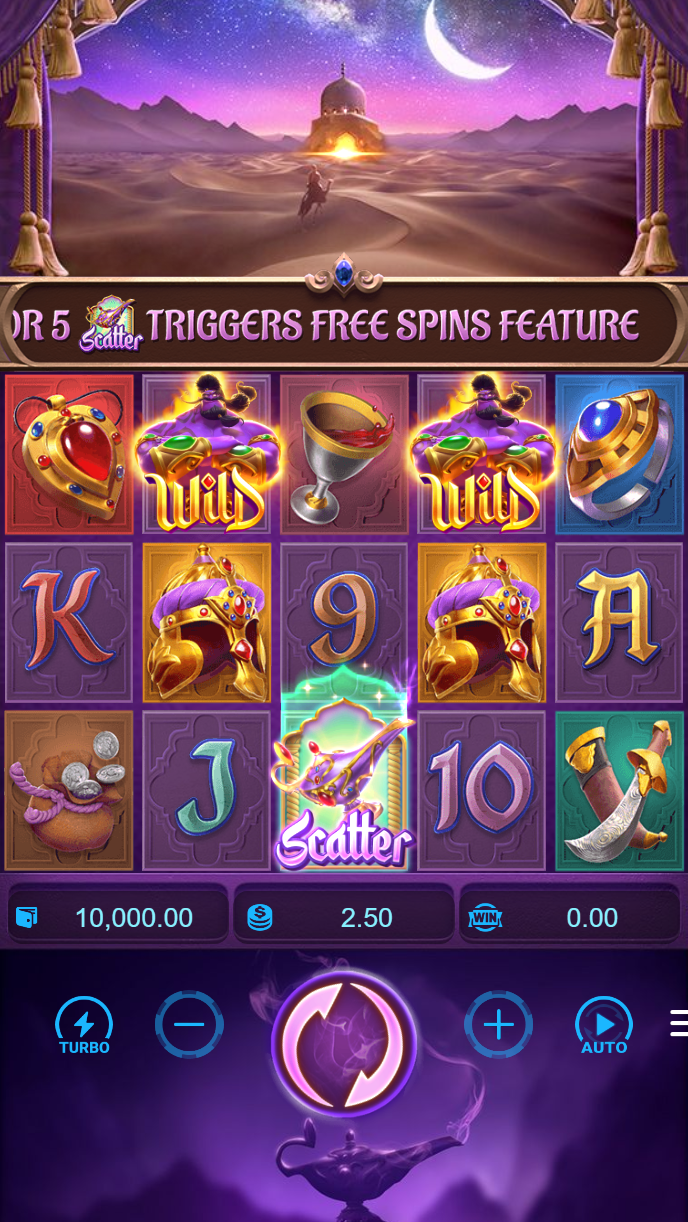
Why mobile dominates Plushie Frenzy
Plushie Frenzy is built for touchscreen play. Tapping on a phone is faster and more intuitive than using a mouse, so most players prefer mobile access. Our Android APK and iOS browser version both render the game at full speed, with no delay between your tap and the catch confirmation.
Data usage is minimal — a typical 60-second round uses under 2 MB, so even players on slower connections can enjoy steady gameplay. We cache game assets locally on Android, so repeated plays load instantly after the first launch.
Installing zeusqq and Accessing Plushie Frenzy
Android users: Visit the zeusqq app section, download the APK installer, and follow the installation prompts. Once installed, open the app, log in with your email and password, and navigate to the Games menu. Plushie Frenzy appears as a prominent tile. Tap it to launch, and you'll be in a lobby where you can choose Free Play or Paid Play mode.
iOS users: Open Safari or your preferred mobile browser, visit zeusqq.win, and bookmark the page. Log in with the same credentials you use on Android. The site detects your iOS device and presents a responsive version of Plushie Frenzy optimised for touch. No app download required — the game runs entirely in your browser.
Login is consistent across both platforms. If you have two-factor authentication (2FA) enabled, you'll need to enter a code sent to your phone after typing your password. This extra step happens only on first login from a new device; subsequent sessions authenticate instantly.
Scoring and Payout Structure
In Free Play mode, your score is purely informational — no money changes hands. You can practice, learn the plushie spawn patterns, and improve your reflexes without risk. Many players start here to understand the game before moving to Paid Play.
In Paid Play, you stake a set amount (minimum amounts vary by your account level, typically starting at our welcome offer). Once you place your stake, the round begins. Your score determines your payout: higher scores earn higher multipliers. A score of 50 points might multiply your stake by 2x, while 150 points multiplies it by 10x. We display the payout table before you play, so you know exactly what each score tier pays.
- Score range (example)
- 0–25 points: 0x (no payout); 26–50: 1.5x; 51–100: 3x; 101–150: 7x; 150+: 10x or higher.
- Payout timing
- The moment the round ends, your balance updates. Winnings are added instantly; stakes are deducted immediately if you don't reach the payout threshold.
- House edge
- We keep a small percentage of losing stakes to cover platform costs. Winning stakes pay out at the published multiplier — no hidden deductions.
Depositing Funds to Play Paid Rounds
Before you can stake money on Plushie Frenzy, you need to deposit. We accept six major payment methods: DANA, e-wallet, mobile banking, local payment, online payment, and e-wallet (which connects to mobile banking, local payment, online payment, or e-wallet bank transfers). Each method processes instantly — your balance updates within seconds of payment confirmation.
- mobile banking: Select local payment at checkout, confirm in the online payment app, and your zeusqq balance increases immediately.
- e-wallet: Tap mobile banking, enter your PIN, and funds arrive in your zeusqq account in under 10 seconds.
- local payment: Choose online payment, scan the QR code, and the transfer completes in seconds.
- e-wallet: If you use Shopee, link your mobile banking and deposit directly through the Shopee ecosystem.
- local payment: Enter your online payment phone number, confirm via your e-wallet app, and see your balance update instantly.
- mobile banking: Bank users can scan our local payment code and transfer from online payment, e-wallet, mobile banking, or local payment — funds settle within minutes.


Account Verification and Security
Before your first withdrawal, we ask you to verify your identity. This involves uploading a photo of your ID (KTP, passport, or driver's licence) and a selfie. We process verification requests within 24 hours using automated document scanning and manual review. Once verified, you can withdraw at any time without re-verifying.
Your login credentials are encrypted, and we support optional two-factor authentication for extra security. If you forget your password, we send a reset link to your registered email. Click the link, create a new password, and you're logged back in. If you lose access to your email, contact our support team with proof of identity; they'll reset your account within a few hours.
We never share your personal data with third parties. Your documents are stored in encrypted form, accessible only to our compliance team. We retain them for regulatory purposes but never use them for marketing or sale.
Withdrawing Winnings from Plushie Frenzy
Once you've won on Plushie Frenzy and want to cash out, navigate to your Account menu and select Withdraw. Choose your preferred payment method — mobile banking, local payment, online payment, e-wallet, mobile banking, local payment, or bank transfer — and enter your desired amount. We review your withdrawal request to confirm the amount is reasonable and the funds belong to your account.
This review window typically takes 1–4 hours. Once approved, we send the funds to your chosen payment method. online payment, e-wallet, and mobile banking transfers usually arrive within subject to verification; bank transfers (local payment, online payment, e-wallet, mobile banking via local payment) may take up to one business day depending on the receiving bank's schedule. We charge no withdrawal fees — the amount you request is the amount you receive.
If your withdrawal is delayed longer than expected, contact our support team with your withdrawal ID. We'll investigate whether your bank is holding the transfer (common during peak hours or around holidays like Idul Fitri, Idul Adha, or Imlek) and keep you informed.
Playing from Jakarta, Surabaya, Bandung, and Medan
Our zeusqq service is available in supported regions. Players in Jakarta, Surabaya, Bandung, Medan, and other Indonesian cities can all access Plushie Frenzy through the same platform. We do not restrict play by city — only by jurisdiction. Our services are available only where local law permits; users are responsible for verifying that their access complies with their jurisdiction's regulations.
Server latency is minimal across Indonesia due to our geographically distributed infrastructure. Whether you're playing from the capital or a regional city, your tap-to-catch response time remains consistent, ensuring fair and responsive gameplay.